 listicle
Best Tools for HVAC Lead Capture: 2026 Buyer's Guide
Table of Contents
- Quick Comparison: Best Tools for HVAC Lead Capture
- How We Evaluated These HVAC Lead Capture Tools
- HVAC Lead Generation Strategies That Drive Real Results
- Top Tools for HVAC Lead Capture: Reviews and Pricing
- How to Manage Emergency HVAC Calls Without Missing a Lead
- AI Phone Systems for Contractors: What to Look For
- Integration Compatibility and Data Privacy for HVAC Lead Tools
- Conclusion
- Frequently Asked Questions
Last Updated: September 16, 2026
Quick Comparison: Best Tools for HVAC Lead Capture
The best tools for HVAC lead capture balance missed-call prevention, CRM integration, and cost per booked job. This guide from SignatureCloud AI compares platforms by pricing, best-fit size, and shortcomings.

- Best for 24/7 AI call answering: SignatureCloud AI
- Best all-in-one for small teams: Housecall Pro
- Best for professional quoting: Jobber
- Best for large operations: ServiceTitan
- Best pay-per-lead: Google Local Services Ads
| Tool | Starting Price | Best For | Standout Feature |
|---|---|---|---|
| SignatureCloud AI | Contact for pricing | 24/7 AI call answering | AI phone system plus website |
| Housecall Pro | $49/month | Small teams | Online booking widget |
| Jobber | $39/month | Quoting and conversion | Custom lead capture forms |
| ServiceTitan | Contact for pricing | Large operations | Marketing ROI tracking |
| Hatch | Contact for pricing | Fast follow-up | Speed-to-lead texting |
| CallRail | $45/month | Paid ad tracking | Dynamic number insertion |
| NexaLink | $9.99/month | Solo technicians | QR and NFC contact sharing |
| Google Local Services Ads | Pay-per-lead | High-intent residential leads | Google Screened badge |
| QuoteIQ | Contact for pricing | Estimate workflow | Pipeline tracking |
| Clicks Geek | Pay-per-lead | Outsourced lead generation | Managed Google Ads |
How We Evaluated These HVAC Lead Capture Tools
We scored each platform on five criteria: lead capture coverage, integration depth, pricing transparency, residential versus commercial fit, and setup speed. Tools that only capture web forms scored lower than tools that also answer the phone.
HVAC Lead Generation Strategies That Drive Real Results
HVAC lead generation strategies work best when they combine paid, organic, and referral channels. Most contractors who struggle with lead volume are not short on traffic; they are short on response speed and follow-up consistency.
Three channels carry most residential demand:
- Paid search and Local Services Ads for high-intent emergency searches
- Local SEO and Google Business Profile for steady organic calls
- Referral programs and review requests for low-cost repeat business
Residential vs. Commercial Lead Capture
Residential lead capture rewards speed. A homeowner with a dead AC in July calls the first three companies that answer, then books with whoever responds first. Web forms, click-to-call buttons, and after-hours answering matter most.
Cost-Per-Lead Benchmarks for HVAC
Cost per lead varies widely by channel and market, so treat any single figure with suspicion. Pay-per-lead platforms like Google Local Services Ads charge per contact, while managed agencies bill a retainer or per-lead rate. Track cost per booked job, not cost per lead, because a cheap lead that never books is the most expensive one you will buy.
Top Tools for HVAC Lead Capture: Reviews and Pricing
Each tool below was assessed for how well it captures, qualifies, and routes leads for a trade business. Pricing comes from vendor listings; where a vendor does not publish pricing, we say so.
SignatureCloud AI
SignatureCloud AI is a 24/7 AI phone system and professional website solution built for HVAC, plumbing, and electrical contractors. Its promise: never miss another customer, even at 2 a.m. during a heat wave.
Housecall Pro
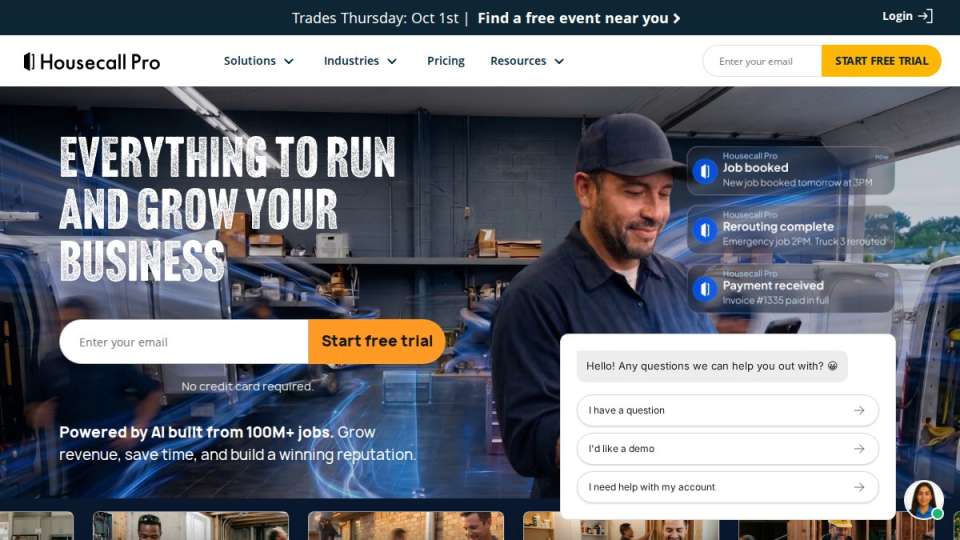
Housecall Pro is an all-in-one field service management platform with lead capture, online booking, and customer communication in one place. The mobile app is strong for field technicians, and the Google Local Services Ads integration helps contractors running paid leads. Advanced features sit behind higher tiers, so budget for the upgrade.
Jobber
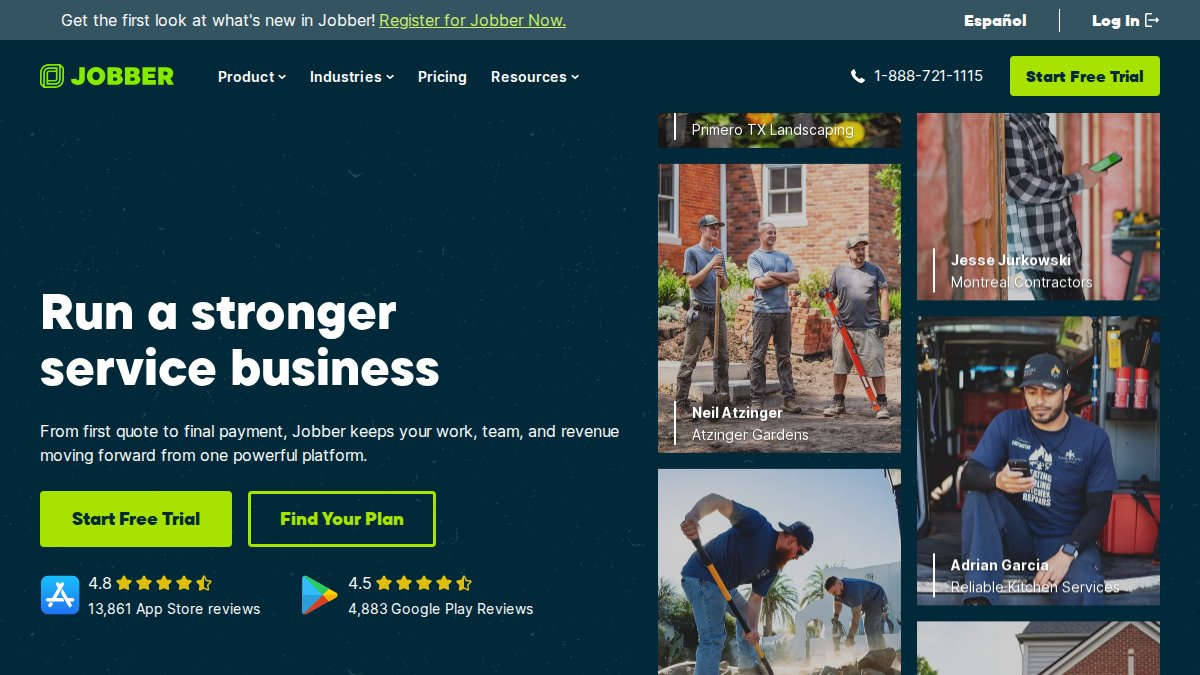
Jobber targets small to mid-sized HVAC businesses focused on quoting and conversion. Custom lead capture forms feed automated quote follow-up emails, and the client hub keeps communication in one thread. The interface is among the easiest to learn here, though marketing automation is thinner than dedicated CRM platforms.
ServiceTitan
ServiceTitan is the enterprise option: advanced call booking analytics, marketing ROI tracking by lead source, and automated dispatch. Large or scaling companies get deep conversion-rate insight, but the tradeoff is cost and implementation complexity. This is not a weekend setup, and pricing requires a sales conversation.
Hatch
Hatch automates lead follow-up across text, email, and voice, with speed-to-lead automation as its headline feature. If leads go cold between form fill and first callback, Hatch closes that gap. It requires active management to keep sequences sharp, so assign an owner.
CallRail
CallRail answers a different question: which ads actually drive phone leads? Dynamic number insertion, call recording, and AI conversation intelligence give accurate attribution across Google Ads and Analytics. Costs scale with call volume, which stings for high-volume shops.
NexaLink
NexaLink is an AI-powered digital business card and lead capture tool for field technicians. QR and NFC contact sharing, real-time view tracking, and a free tier make it the lowest barrier to entry here. It does not integrate deeply with dispatch software, so treat it as a supplement, not a system of record.
Google Local Services Ads
Google Local Services Ads put your business at the top of search results with a Google Screened badge and charge per lead rather than per click. Leads are typically ready to book. Costs fluctuate with local competition, so review spend weekly during peak season.
QuoteIQ
QuoteIQ handles the estimation side of lead management: professional estimates, a customer database, pipeline tracking for pending leads, and integrated payments. It helps contractors convert leads faster with sharper quotes, though it is less strong than full ERP systems.
Clicks Geek
Clicks Geek is a lead generation agency that manages Google Ads for HVAC contractors, with custom landing pages and lead qualification built in. It suits companies that want lead generation off their plate, trading day-to-day control for expertise.
How to Manage Emergency HVAC Calls Without Missing a Lead
Managing emergency HVAC calls comes down to one rule: every call gets answered by a human or a system that can book, 24 hours a day. Missed emergency calls are the most expensive failure in this business because the caller dials the next company within seconds.
A practical setup looks like this:
- Route after-hours calls to an answering service or AI phone system that can capture address, equipment type, and urgency
- Send an instant text confirmation so the caller knows the job is logged
- Trigger an on-call technician notification with the captured details
- Log the call in your CRM so follow-up happens even if the job is declined
AI Phone Systems for Contractors: What to Look For
AI phone systems for contractors should answer every call, capture structured job details, and hand off to a human when the conversation exceeds its scope. Anything less is an expensive voicemail.
Check these five things before you buy:
- After-hours coverage: does it answer at 2 a.m. on a holiday?
- Job detail capture: can it collect address, equipment type, and urgency?
- Escalation path: what happens when the caller has a complex question?
- CRM integration: does the captured data land in your existing system?
- Service area logic: can it answer "do you cover my ZIP code?" correctly?
Integration Compatibility and Data Privacy for HVAC Lead Tools
Most listicles stop at "check for integrations," which is useless when you need to know whether a $45/month call tracker will actually write leads into your dispatch software. Here is the compatibility picture in plain terms, plus the compliance rules that apply once you capture phone numbers and call recordings.
Integration Compatibility Matrix
The table below maps each tool to the systems it commonly connects with. Treat it as a starting point: vendors change connectors, and some integrations require a paid tier or middleware subscription.
| Tool | Native CRM / FSM Integrations | Web Form to CRM | Call Tracking Writeback | Notes |
|---|---|---|---|---|
| SignatureCloud AI | Built-in CRM; exports to common CRMs | Yes | Yes (call data captured in-platform) | Bundled website and phone system share one lead record |
| Housecall Pro | Native FSM; connects to QuickBooks and common CRMs | Yes | Partial (via Local Services Ads integration) | Best when Housecall Pro is your system of record |
| Jobber | Native FSM; QuickBooks, Stripe | Yes | Limited | Pair with a dedicated call tracker for attribution |
| ServiceTitan | Native FSM; enterprise CRM and ERP connectors | Yes | Yes | Deepest reporting; longest implementation |
| Hatch | Connects to most FSM and CRM platforms via API | Yes | No (follow-up layer, not a tracker) | Sits on top of your existing stack |
| CallRail | Integrates with Google Ads, Analytics, and most CRMs | Yes | Yes (core function) | Attribution layer, not a system of record |
| NexaLink | Light integrations; exports contacts | Limited | No | Supplement, not a hub |
| Google Local Services Ads | Connects to Google Ads and select FSM partners | Via partner tools | No | Lead data lives in Google's dashboard |
| QuoteIQ | Native quoting and payments; limited CRM sync | Yes | No | Quoting layer |
| Clicks Geek | Delivers leads to your CRM or inbox | Yes | No | Agency-managed; you specify the destination |
- Does the integration write back, or only read? A connector that pushes leads into your CRM but never syncs appointment status back to the lead source will leave your ad platform optimizing on stale data.
- Is the integration native or Zapier-based? Native connectors survive vendor updates. Zapier-based bridges break silently, and a broken bridge means leads sitting in a queue nobody watches.
- What happens on export? Ask: "If I leave in two years, how do I export my leads, call recordings, and message history?" Vendors who cannot answer clearly are a data-lock risk.
Data Privacy and Compliance
Lead tools store names, addresses, phone numbers, and call recordings, putting you inside federal telemarketing rules and a growing patchwork of state privacy laws. The practical obligations for an HVAC contractor are narrower than the legal text suggests:
- TCPA and SMS consent. The Telephone Consumer Protection Act governs marketing texts and autodialed calls. If your lead tool sends follow-up texts, you need prior express written consent captured at the point of opt-in, plus a working opt-out (typically "reply STOP"). Marketing texts and transactional texts (appointment confirmations) carry different consent standards, so keep them separate in your sequences.
- Call recording consent. Some states require all-party consent to record a call. If your AI phone system or call tracker records inbound calls, confirm the tool plays a disclosure at the start of the call and that the disclosure satisfies the strictest state you serve.
- State privacy laws. Several states give residents the right to know what personal data a business holds, request deletion, and opt out of certain sharing. Ask each vendor where data is stored, how long recordings are retained, and whether they will honor a deletion request on your behalf.
- Data retention. Recordings and message logs are liabilities as well as assets. Set a retention window (many contractors use 12 to 24 months) and confirm the vendor enforces it automatically.
Conclusion
Choosing among the best tools for HVAC lead capture gets simpler once you rank your own bottlenecks: unanswered calls, slow follow-up, weak quoting, or unclear ad attribution. Fix the biggest leak first, then add tools around it.
Frequently Asked Questions
What is the best way to get HVAC leads?
The most effective approach combines multiple channels: local SEO and Google Business Profile optimization, Google Local Services Ads for high-intent residential calls, and automated follow-up tools that respond within seconds. Pairing these with a 24/7 AI phone system ensures after-hours calls become booked appointments instead of missed opportunities. Most contractors see the best return when they track cost per lead across channels and double down on what converts.
What is the average cost per lead for HVAC leads?
Cost per lead varies by market and channel. Google Local Services Ads typically charge per lead, with costs fluctuating based on local competition. Paid search and agency-managed campaigns often run higher per lead but can deliver more qualified prospects. Tracking your cost per lead alongside conversion rate and customer acquisition cost gives you the full picture. Tools like CallRail help attribute leads to specific campaigns so you know what actually works.
How can I automate lead capture for my HVAC business?
Start by adding web forms and online booking widgets to your website, then connect them to a CRM that triggers automated follow-up via text and email. For phone leads, an AI phone system answers every call, qualifies the caller, and books appointments directly into your schedule. Tools like Hatch and SignatureCloud AI handle speed-to-lead automation, ensuring no inquiry goes cold. The goal is to respond within seconds, not hours.
How much does HVAC lead generation software cost?
Pricing varies widely. Entry-level tools and enterprise platforms like ServiceTitan require custom quotes. AI phone systems and lead capture platforms often depend on call volume and features, so request a quote. Factor in the cost of missed leads when comparing: a single booked job can cover months of software.
Do I need a 24/7 AI phone system for HVAC lead capture?
If you miss calls after hours or during peak season, a 24/7 AI phone system pays for itself quickly. It answers every call, handles common questions about service areas and emergency availability, and books appointments without human intervention. For solo contractors and small teams, this means no more lost leads when you're on a job site. SignatureCloud AI is built specifically for HVAC, plumbing, and electrical contractors, so it understands trade-specific language.