 how-to
How to Automate Plumbing Customer Scheduling
Table of Contents
- Why Manual Plumbing Customer Scheduling Breaks Down
- How Plumbing Scheduling Software Works: Core Mechanics
- Plumbing Dispatch Software Features That Actually Matter
- How to Automate After Hours Calls for Your Plumbing Business
- Automated Lead Capture for Plumbers: Step-by-Step Setup
- Integrating Scheduling Automation with CRM and Accounting Tools
- Staff Training and Change Management for Automated Plumbing Customer Scheduling
- Common Mistakes to Avoid When Automating Scheduling
- Frequently Asked Questions
Last Updated: September 2, 2026
Manual scheduling drains plumbing businesses through missed calls, double-booked appointments, and inefficient technician routing. At SignatureCloud AI, we work exclusively with HVAC, plumbing, and electrical contractors, and the pattern is consistent: businesses that automate scheduling first grow faster and retain more customers.
Below, we'll show you exactly how to set up automated scheduling from the ground up, covering dispatch logic, after-hours call handling, CRM integration, and staff change management.
Why Manual Plumbing Customer Scheduling Breaks Down
The biggest mistake with manual scheduling isn't the occasional double-booking, it's the cumulative cost of every unanswered call while a technician is under a sink. Plumbing businesses run lean, with owners often working as technicians and front desk staff juggling calls, invoices, supplier orders, and complaints simultaneously. Under those conditions, scheduling becomes reactive: you book whoever calls without logic applied to geography, job duration, or urgency.
The downstream effects compound quickly: technicians waste drive time, emergency calls get treated like routine maintenance, no-show rates climb due to missing reminders, and after-hours calls go to voicemail while customers call competitors. According to research published by the Small Business Administration on service business operations, missed customer contacts are one of the leading causes of revenue leakage in small service businesses. The fix isn't hiring more staff, it's removing the human bottleneck from scheduling entirely.
How Plumbing Scheduling Software Works: Core Mechanics
Plumbing scheduling software is a field service management platform that automates appointment booking, technician dispatch, and customer communication through a centralized digital calendar connected to real-time availability data. A customer requests service through any channel, phone, website, SMS, and the system checks technician availability, applies routing logic, assigns the job, and sends confirmation automatically.
Real-Time Calendar Sync and Appointment Slots
Real-time calendar sync means the system reflects actual technician availability at the moment a customer books. When a tech finishes early or a cancellation opens a slot, that change propagates instantly across all booking channels: your website, customer portal, and dispatch dashboard. Appointment slots are pre-configured by job type, a drain cleaning blocks 90 minutes; a water heater installation blocks four hours, eliminating scheduling collisions without a dispatcher watching a whiteboard.
Handling Emergency vs. Routine Job Logic
Emergency jobs, burst pipes, sewage backups, no hot water, cannot queue behind routine maintenance. Your automation needs a separate intake path for emergencies with logic that either holds an emergency slot open daily or triggers a dispatcher alert to manually reassign.
A practical setup: routine requests fully automate into standard slots; urgent requests (same-day) automate into a reserved window; emergency requests trigger an immediate alert to the on-call technician with customer details for callback. Without this distinction, your automation will book a water heater tune-up into the last slot while a customer with a flooded basement waits until Thursday.
Plumbing Dispatch Software Features That Actually Matter
Technician Routing and Job Duration Estimation
Technician routing is the automated assignment of jobs to the nearest or most appropriately skilled technician, factoring in current location, job queue, and travel time. Good dispatch logic reduces total drive time by clustering geographically proximate jobs into a single technician's day.
Job duration estimation is equally critical. The system needs a baseline for how long each service type takes and should update those estimates based on your actual job history. A system that always estimates 60 minutes for a fixture replacement when your techs consistently take 90 minutes will create cascading scheduling failures by mid-afternoon.
Key dispatch features to prioritize: GPS-based technician location for real-time routing, skill-based assignment, automatic resequencing when a job runs long, and mobile app access so technicians see their updated schedule without calling the office.
SMS Notifications, Booking Confirmation, and No-Show Reduction
No-show reduction is one of the clearest ROI wins from scheduling automation. Automated SMS notifications sent at booking confirmation, 24 hours before the appointment, and one hour before arrival significantly reduce no-shows compared to businesses relying on customer memory.
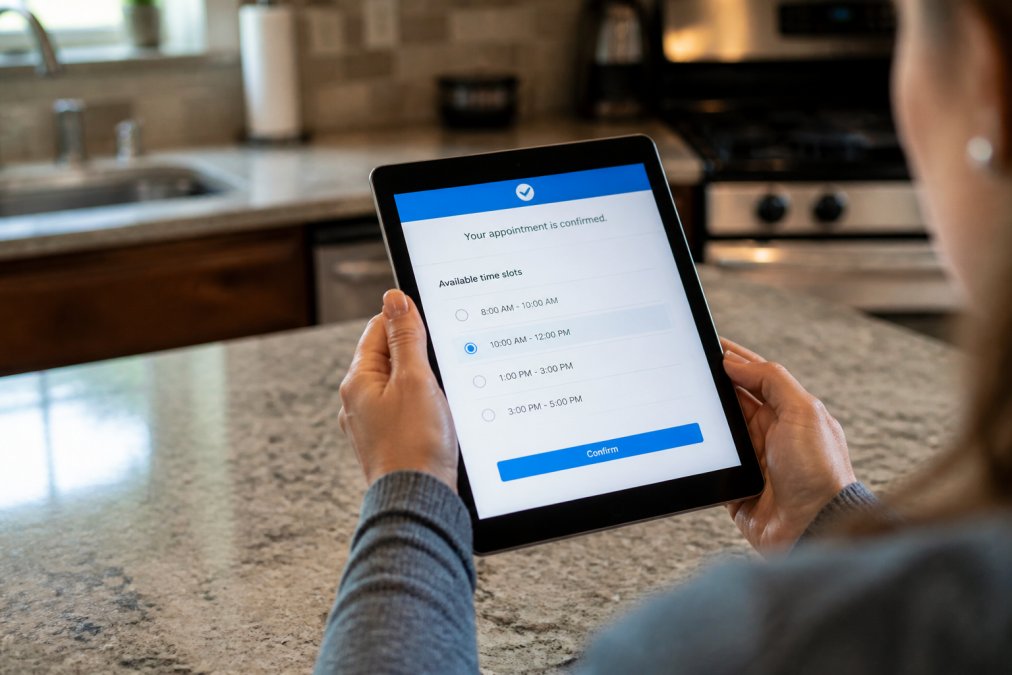
Booking confirmation messages should include the technician's name, scheduled time window, contact number, and a one-tap reschedule link. That reschedule link gives customers a frictionless way to move the appointment rather than simply not being home, freeing the slot for another booking.
How to Automate After Hours Calls for Your Plumbing Business
Automating after-hours calls means deploying a 24/7 AI phone system that handles inbound service requests, captures customer and job details, and either books appointments or escalates emergencies without staff involvement.
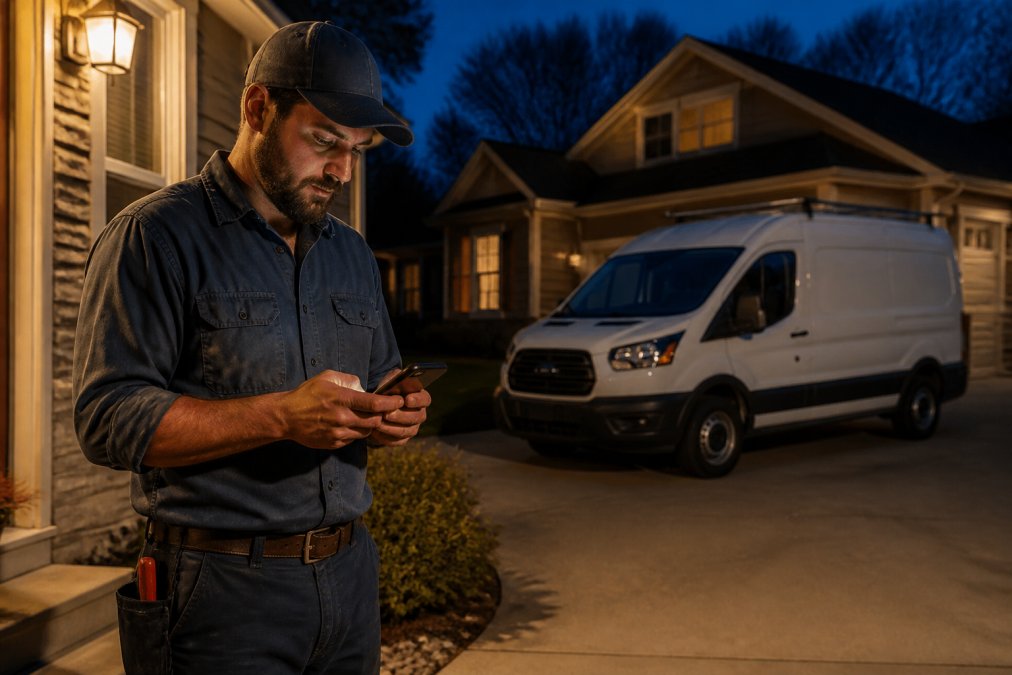
For plumbing businesses, after-hours calls are disproportionately high-value. A homeowner calling at 9 PM with a burst pipe is not price-shopping. The first contractor who answers, or whose system answers and captures their information, wins the job.
What a 24/7 AI Phone System Does on a Live Call
A 24/7 AI phone system answers inbound calls immediately, conducts a natural-language conversation to identify the service request, collects the customer's name, address, and problem description, and routes the interaction based on urgency. For routine requests, the system books directly into available slots and sends a booking confirmation via SMS. For emergencies, it captures all details and triggers an immediate alert to the on-call technician. The customer never reaches voicemail.
SignatureCloud AI's platform is built specifically for this use case, designed for plumbing, HVAC, and electrical contractors who need a system that understands trade-specific service requests without requiring the owner to be available around the clock.
Data Privacy and Customer Security Considerations
Customer data collected through automated scheduling, names, addresses, phone numbers, service history, falls under applicable data privacy frameworks. The Federal Trade Commission's guidance on data security for small businesses outlines baseline expectations for how businesses collect, store, and protect consumer information.
Your scheduling platform should use encrypted data transmission, store customer records in a secure database with access controls, and have a clear data retention policy. Before selecting any scheduling or AI phone system, confirm the vendor is compliant with applicable regulations and can provide documentation of their security practices.
Automated Lead Capture for Plumbers: Step-by-Step Setup
Automated lead capture means every inbound contact, phone call, website form, SMS, is recorded in your client database without manual data entry.
Step 1: Audit your current lead sources. Identify every channel through which customers contact you: phone, website, Google Business Profile, social media. Each needs an automated capture path.
Step 2: Set up a website booking widget. Embed an online booking integration on your website displaying real-time availability, allowing customers to select service type and preferred time, and capturing contact details automatically.
Step 3: Configure your AI phone system. Route all inbound calls through your AI phone system to capture caller name, address, and service description, pushing data directly to your client database.
Step 4: Connect SMS intake. Set up a business SMS number that accepts service requests and feeds into the same lead capture workflow.
Step 5: Test every path. Run a test booking through each channel and confirm the data appears correctly in your client database with no missing fields.
Connecting Your Website, Phone System, and Client Database
The goal is a single source of truth: every customer interaction, regardless of channel, populates the same client database. This enables service history tracking, automated follow-up, and accurate job duration estimation over time. Most scheduling platforms connect to your website via an embedded widget or API. Your AI phone system should push call data to the same database via native integration or webhook. If your current tools don't connect natively, middleware like Zapier can bridge most common combinations.
The practical test: after a customer books through your website, can your technician see that booking, the customer's address, and any notes on their mobile app before arrival? If yes, your integration is working.
Integrating Scheduling Automation with CRM and Accounting Tools
Scheduling automation creates value on its own. Connected to your CRM and accounting tools, it creates a system where a single booked job automatically updates customer records, generates an invoice draft, and logs the interaction in your service history with no manual data entry. According to Gartner's research on field service management technology adoption, businesses that integrate scheduling with back-office systems report measurable reductions in administrative time per job.
Common integration points to configure: CRM integration creates or updates customer records automatically with service history logged against the customer profile; accounting integration triggers invoice generation in your accounting software with payment status syncing back to the scheduling system; online payment processing allows customers to pay deposits or full invoices through the booking confirmation link, reducing accounts receivable lag.
Most modern field service management platforms provide pre-built connectors for common accounting tools. If yours doesn't, evaluate whether the manual workaround is sustainable at your current job volume.
Staff Training and Change Management for Automated Plumbing Customer Scheduling
Automation fails when the people who interact with it don't trust it. The most common resistance pattern: a dispatcher or office manager who has managed the schedule manually for years sees the new system as a threat rather than a tool that removes the worst parts of their job.
A practical change management approach: involve staff in configuration by letting the dispatcher set appointment slot durations and emergency escalation rules; run parallel systems for two weeks to reduce anxiety and catch configuration errors; define what automation handles versus what humans handle; and track the wins visibly by showing no-show rate improvements and after-hours call capture numbers. Training time for a typical scheduling platform is measured in hours, not weeks.
Common Mistakes to Avoid When Automating Scheduling
Mistake 1: Not configuring emergency job logic. Treating all service requests as equal means a burst pipe gets the same queue as a faucet drip. Build the emergency path before going live.
Mistake 2: Skipping the mobile workforce piece. Technicians who can't see schedule updates on a mobile app will call the office to ask, defeating efficiency gains.
Mistake 3: Automating before cleaning your client database. If your existing records have duplicate entries, missing addresses, or inconsistent formatting, automation will inherit those problems.
Mistake 4: Setting reminder timing wrong. A reminder 15 minutes before an appointment is useless; a reminder 7 days before is too early. Test your reminder sequence timing before rolling it out.
Mistake 5: Ignoring the booking confirmation experience. The confirmation message is customers' first impression of your automated system. Customize it with your business name, the technician's name, and a clear contact path.
As documented in the U.S. Department of Commerce's guidance on digital transformation for small businesses, small businesses that approach technology adoption with a structured implementation plan see faster returns and fewer operational disruptions.
| Common Mistake | Root Cause | Fix |
|---|---|---|
| Emergency jobs queued with routine requests | No emergency logic configured | Build a separate intake path with escalation alerts |
| Technicians calling office for schedule updates | No mobile app access configured | Confirm mobile access before launch |
| Duplicate records in client database | Skipped data cleanup before migration | Audit and deduplicate records first |
| High no-show rate despite reminders | Reminder timing misconfigured | Test sequence: booking, 24hr, 1hr before |
| Customers confused by confirmation messages | Generic, unbranded confirmation text | Customize with business name and tech details |
Automating plumbing customer scheduling is one of the highest-ROI operational changes a plumbing business can make when the setup is done correctly. The missed calls, scheduling collisions, and no-shows that drain revenue daily are all solvable with the right system and configuration. SignatureCloud AI's 24/7 AI phone system and professional website solution are built specifically for plumbing, HVAC, and electrical contractors who need round-the-clock lead capture without adding headcount. Get started with SignatureCloud AI and stop losing jobs to contractors who simply answer when you can't.
Frequently Asked Questions
Q: How do I handle after-hours plumbing calls automatically?
A: A 24/7 AI phone system answers calls when your team is unavailable, collects the caller's name, address, and job details, and books an appointment slot directly into your calendar. For emergency requests, the system can apply priority dispatch logic to flag the job immediately. This means customers get a response at 2 a.m. without you picking up the phone, and no service request falls through the cracks overnight.
Q: What are the benefits of online booking for plumbing contractors?
A: Online booking lets customers schedule appointments at any hour without calling in, which reduces your incoming call volume and cuts down on no-shows through automated reminders. It also feeds new jobs directly into your dispatch calendar, so there's no manual data entry. For solo plumbers and small crews alike, the biggest practical gain is capturing leads that would otherwise go to a competitor who picks up first.
Q: How can AI help with plumbing dispatching?
A: AI dispatch tools read real-time technician availability, job location, and estimated job duration to assign the right person to each service call automatically. When a new booking arrives, the system matches it to an open slot on the nearest available technician's calendar and sends a job status update to both the tech and the customer. This removes the back-and-forth phone tag that typically slows down manual dispatch during busy periods.
Q: Will scheduling automation work for a solo plumber, or is it only for larger companies?
A: Automated plumbing customer scheduling scales down to a one-person operation just as well as it works for a multi-truck company. A solo plumber benefits most from 24/7 lead capture and after-hours call handling, since there's no office staff to cover those gaps. The key is choosing a platform that fits your current size.